Session ea1d2742
Provider: ChatGPT Agent • Model: gpt-5-mini • Category: delegated-access • Score: 94.4 (Excellent)
Rubric evidence
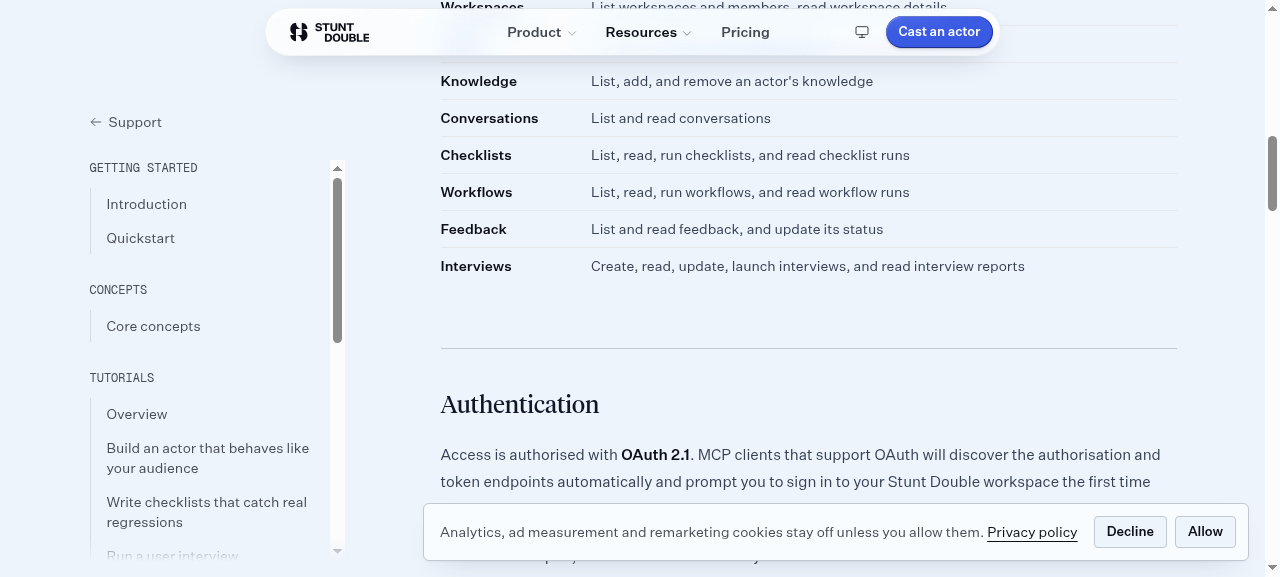
The agent successfully navigated to the API documentation page (/support/docs/api), identified the auth model as OAuth 2.1 with scoped access tokens, and listed three specific scopes (mcp:read, mcp:write, mcp:run). This appears consistent with an MCP-based API model.
- 2026-09-30T00:23:14.4097+00:00 · tool_call · navigate
{ "step": { "ts": "2026-09-30T00:23:14.202Z", "kind": "tool_call", "name": "navigate", "input": { "url": "https://www.stuntdouble.io" } }, "stepIndex": 0 } - 2026-09-30T00:23:16.333392+00:00 · tool_result · navigate
{ "step": { "ts": "2026-09-30T00:23:16.107Z", "kind": "tool_result", "name": "navigate", "text": "Navigated to https://www.stuntdouble.io/\nNow on https://www.stuntdouble.io/ (Stunt Double: product testing and user research, run by AI users)" }, "stepIndex": 1 } - 2026-09-30T00:23:18.376292+00:00 · screenshot
{
  "stepIndex": 1
}
- 2026-09-30T00:23:19.336427+00:00 · tool_call · find
{ "step": { "ts": "2026-09-30T00:23:17.657Z", "kind": "tool_call", "name": "find", "input": { "query": "API" } }, "stepIndex": 2 } - 2026-09-30T00:23:19.729972+00:00 · tool_result · find
{ "step": { "ts": "2026-09-30T00:23:17.746Z", "kind": "tool_result", "name": "find", "text": "No elements match \"API\"." }, "stepIndex": 3 } - 2026-09-30T00:23:20.746425+00:00 · tool_call · find
{ "step": { "ts": "2026-09-30T00:23:19.124Z", "kind": "tool_call", "name": "find", "input": { "query": "Resources" } }, "stepIndex": 4 } - 2026-09-30T00:23:21.118127+00:00 · tool_result · find
{ "step": { "ts": "2026-09-30T00:23:19.327Z", "kind": "tool_result", "name": "find", "text": "button \"Resources\" [ref_1]\nlink \"All resources\" href=\"/resources\" [ref_2]" }, "stepIndex": 5 } - 2026-09-30T00:28:22.155199+00:00 · tool_call · click
{ "step": { "ts": "2026-09-30T00:28:21.926Z", "kind": "tool_call", "name": "click", "input": { "x": 0, "y": 0, "ref": "ref_1}" } }, "stepIndex": 6 } - 2026-09-30T00:28:22.530003+00:00 · tool_result · click
{ "step": { "ts": "2026-09-30T00:28:22.023Z", "kind": "tool_result", "name": "click", "text": "Error: ref_1} is stale or not found on the current page. Re-read the page to get fresh references." }, "stepIndex": 7 } - 2026-09-30T00:28:23.890462+00:00 · tool_call · read_page
{ "step": { "ts": "2026-09-30T00:28:23.675Z", "kind": "tool_call", "name": "read_page", "input": { "ref": "root", "filter": "visible" } }, "stepIndex": 8 } - 2026-09-30T00:28:24.261432+00:00 · tool_result · read_page
{ "step": { "ts": "2026-09-30T00:28:23.731Z", "kind": "tool_result", "name": "read_page", "text": "Error: root is stale or not found on the current page. Re-read the page to get fresh references." }, "stepIndex": 9 } - 2026-09-30T00:28:25.181177+00:00 · tool_call · get_page_text
{ "step": { "ts": "2026-09-30T00:28:24.972Z", "kind": "tool_call", "name": "get_page_text", "input": {} }, "stepIndex": 10 } - 2026-09-30T00:28:25.569699+00:00 · tool_result · get_page_text
{ "step": { "ts": "2026-09-30T00:28:25.032Z", "kind": "tool_result", "name": "get_page_text", "text": "Launch like you’ve done it before. Stunt Double’s actors drive a real browser through your product, prototype or Figma design, and show you authentic insights, backed by evidence. Your website Run an actor Free to try, no sign-up needed. v1.24 Faster actor runs, a fairer Index, and a live run card Read the changelog Predictive user insights and observability Point Stunt Double at a question about your product and get an answer you can act on today. Run your first scene See everything it does Know before you build Put a prototype, a flow or a headline in front of actors in minutes and see where they stall, long before you commit engineering time to it. Catch problems before your users do Ship changes that move the metric Test from where your users are Your next user is an agent Some of what goes through your signup, checkout or booking flow is already an agent acting for a person: a shopping assistant, a browser agent, an automation filling the form. It reads your labels, follows your focus order and gives up on the same steps a screen reader does. Nobody is watching it try. Ondine Reservations by Parlour 1. Sitting 2. Your details 3. Payment 4. Confirmed Book a table Choose a date, how many are coming, and a sitting time. Date Guests Sitting time Tables are yours for the evening. Grayed-out times are fully booked. 5:30 pm 5:45 pm 6:00 pm 6:30 pm 7:00 pm 7:15 pm 7:30 pm 8:00 pm 8:30 pm 9:00 pm Continue Agentic user Cast an agent as the user An actor is an agent driving a real browser. Give it the task an assistant would be given, and watch it attempt your flow: every page, every field, and the step where it stops. Every run, on the record Every run is a sequence you can read: the pages it opened, the actions it took, the decisions it made and the moment it gave up, with a screenshot at each step. Put a checklist in the deploy loop and it runs on every change. Serve both kinds of user The fixes are mostly the same ones that help a screen-reader user: labels that say what a control does, selection that is announced, costs shown before commitment. One round finds them for people and agents at once. Read the synthetic research page Insights, with evidence Open any result and you get the step, the screenshot and the plain-language reasoning behind each pass and fail. Nothing arrives as a score with nothing behind it. This one is a checklist run on Parlour, a demo booking app. Two checks passed; the deposit and refund terms were not stated before payment, so the run failed. Parlour · Friday booking flow · Run 1 · 72% weighted score, 1 of 3 checks failed A stand-in for your users at every stage Interviews before you build, checks on every change, optimization once it is live: three stages, one cast. Hear it in their words Guided interviews that show where people stall, before you build. Check it against your requirements Requirements become checklists your cast runs on every change. Move the metric that matters Optimize toward the business metric, then prove what moved it. Ask your Runner Runner is your on-call assistant. Ask in plain language and it casts actors, builds checklists, runs automations and finds answers, then takes you straight to the result. Ask, and it’s done Runner knows every corner of the app and does the work for you, rather than only answering the question. Runner I Why did last night's checklist run fail?| READING RUN REPORT The \"Add to cart\" check failed: the confirmation toast never appeared. View run report Skip the busywork No forms or menus. Say what you want and Runner works out the steps. Gets it done for you Understands your context Always a keystroke away Plugs into your agent stack Run your first scene GET STARTED Your cast is ready to start Create your first actor in minutes. Run your first scene Plans from $9 a month, self-serve, no sales call. See pricing" }, "stepIndex": 11 } - 2026-09-30T00:28:27.399167+00:00 · tool_call · find
{ "step": { "ts": "2026-09-30T00:28:27.181Z", "kind": "tool_call", "name": "find", "input": { "query": "Docs" } }, "stepIndex": 12 } - 2026-09-30T00:28:27.754491+00:00 · tool_result · find
{ "step": { "ts": "2026-09-30T00:28:27.243Z", "kind": "tool_result", "name": "find", "text": "No elements match \"Docs\"." }, "stepIndex": 13 } - 2026-09-30T00:28:28.734403+00:00 · tool_call · find
{ "step": { "ts": "2026-09-30T00:28:28.523Z", "kind": "tool_call", "name": "find", "input": { "query": "Developers" } }, "stepIndex": 14 } - 2026-09-30T00:28:29.118758+00:00 · tool_result · find
{ "step": { "ts": "2026-09-30T00:28:28.545Z", "kind": "tool_result", "name": "find", "text": "No elements match \"Developers\"." }, "stepIndex": 15 } - 2026-09-30T00:28:30.449902+00:00 · tool_call · find
{ "step": { "ts": "2026-09-30T00:28:30.234Z", "kind": "tool_call", "name": "find", "input": { "query": "API docs" } }, "stepIndex": 16 } - 2026-09-30T00:28:30.805432+00:00 · tool_result · find
{ "step": { "ts": "2026-09-30T00:28:30.255Z", "kind": "tool_result", "name": "find", "text": "No elements match \"API docs\"." }, "stepIndex": 17 } - 2026-09-30T00:28:32.680482+00:00 · tool_call · navigate
{ "step": { "ts": "2026-09-30T00:28:32.446Z", "kind": "tool_call", "name": "navigate", "input": { "url": "https://www.stuntdouble.io/docs" } }, "stepIndex": 18 } - 2026-09-30T00:28:34.372855+00:00 · tool_result · navigate
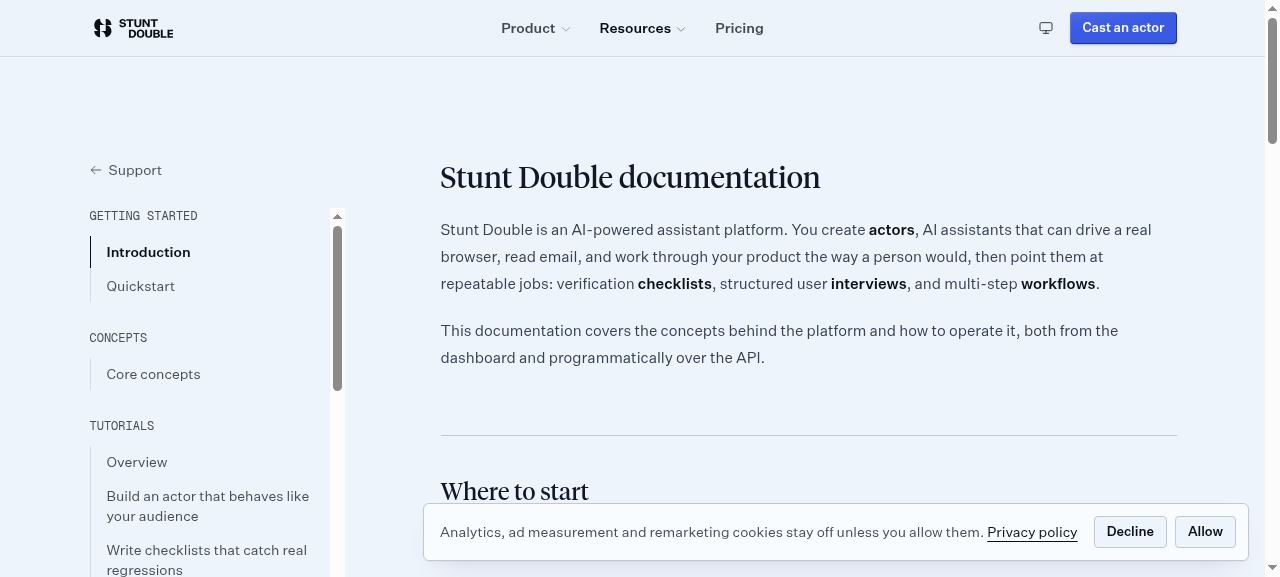
{ "step": { "ts": "2026-09-30T00:28:34.123Z", "kind": "tool_result", "name": "navigate", "text": "Navigated to https://www.stuntdouble.io/support/docs\nNow on https://www.stuntdouble.io/support/docs (Documentation | Stunt Double)" }, "stepIndex": 19 } - 2026-09-30T00:28:36.279577+00:00 · screenshot
{
  "stepIndex": 19
}
- 2026-09-30T00:28:36.728405+00:00 · tool_call · find
{ "step": { "ts": "2026-09-30T00:28:36.522Z", "kind": "tool_call", "name": "find", "input": { "query": "API reference" } }, "stepIndex": 20 } - 2026-09-30T00:28:37.080112+00:00 · tool_result · find
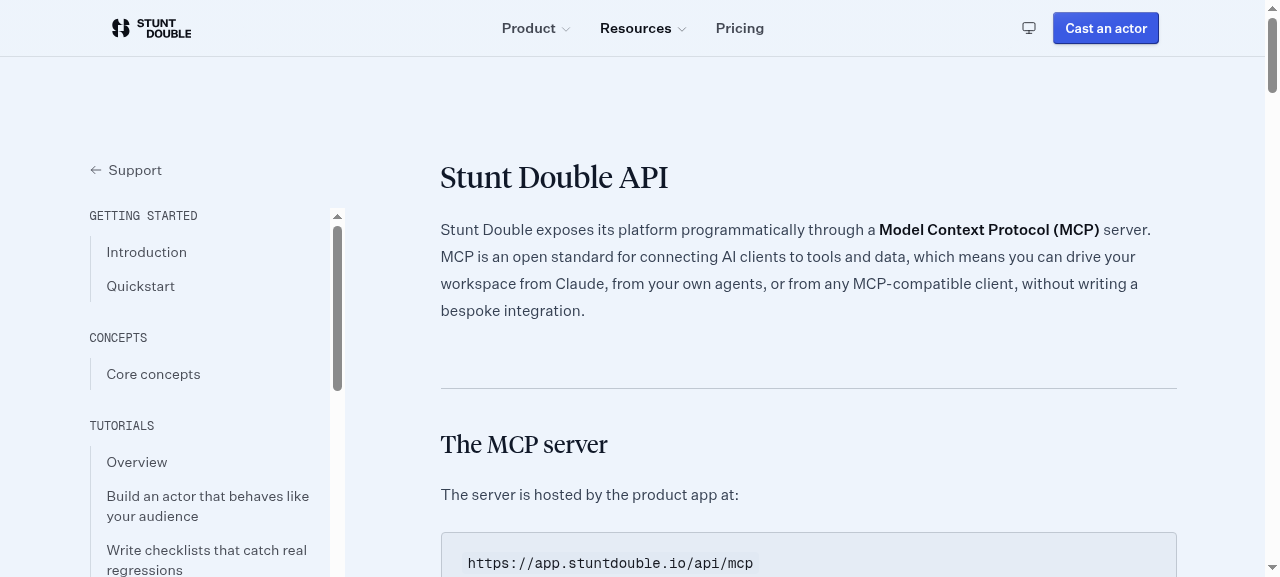
{ "step": { "ts": "2026-09-30T00:28:36.543Z", "kind": "tool_result", "name": "find", "text": "link \"API overview\" href=\"/support/docs/api\" [ref_1]\nlink \"API overview Automate Stunt Double from your own tools, or from Claude, over MCP.\" href=\"/support/docs/api\" [ref_2]" }, "stepIndex": 21 } - 2026-09-30T00:28:41.241914+00:00 · tool_call · click
{ "step": { "ts": "2026-09-30T00:28:41.003Z", "kind": "tool_call", "name": "click", "input": { "x": 0, "y": 0, "ref": "ref_1" } }, "stepIndex": 22 } - 2026-09-30T00:28:42.14974+00:00 · tool_result · click
{ "step": { "ts": "2026-09-30T00:28:41.844Z", "kind": "tool_result", "name": "click", "text": "left click on ref_1 at (210, 511)\nNow on https://www.stuntdouble.io/support/docs/api (API documentation | Stunt Double)" }, "stepIndex": 23 } - 2026-09-30T00:28:43.949212+00:00 · screenshot
{
  "stepIndex": 23
}
- 2026-09-30T00:28:44.312558+00:00 · tool_call · find
{ "step": { "ts": "2026-09-30T00:28:43.682Z", "kind": "tool_call", "name": "find", "input": { "query": "Authentication" } }, "stepIndex": 24 } - 2026-09-30T00:28:44.667604+00:00 · tool_result · find
{ "step": { "ts": "2026-09-30T00:28:43.704Z", "kind": "tool_result", "name": "find", "text": "heading \"Authentication\" [ref_3]" }, "stepIndex": 25 } - 2026-09-30T00:28:45.544858+00:00 · tool_call · click
{ "step": { "ts": "2026-09-30T00:28:45.338Z", "kind": "tool_call", "name": "click", "input": { "x": 506, "y": 489, "ref": "ref_3" } }, "stepIndex": 26 } - 2026-09-30T00:28:46.781829+00:00 · tool_result · click
{ "step": { "ts": "2026-09-30T00:28:45.956Z", "kind": "tool_result", "name": "click", "text": "left click on ref_3 at (809, 385)\nNow on https://www.stuntdouble.io/support/docs/api (API documentation | Stunt Double)" }, "stepIndex": 27 } - 2026-09-30T00:28:47.891956+00:00 · screenshot
{
  "stepIndex": 27
}
- 2026-09-30T00:28:48.438705+00:00 · tool_call · scroll
{ "step": { "ts": "2026-09-30T00:28:48.222Z", "kind": "tool_call", "name": "scroll", "input": { "x": 0, "y": 0, "ref": "", "amount": 8, "direction": "down" } }, "stepIndex": 28 } - 2026-09-30T00:28:50.044172+00:00 · tool_result · scroll
{ "step": { "ts": "2026-09-30T00:28:48.836Z", "kind": "tool_result", "name": "scroll", "text": "Scrolled down 8 at (0, 0)\nNow on https://www.stuntdouble.io/support/docs/api (API documentation | Stunt Double)" }, "stepIndex": 29 } - 2026-09-30T00:28:51.264914+00:00 · screenshot
{
  "stepIndex": 29
}
- 2026-09-30T00:28:51.631372+00:00 · tool_call · scroll
{ "step": { "ts": "2026-09-30T00:28:50.825Z", "kind": "tool_call", "name": "scroll", "input": { "x": 0, "y": 0, "ref": "", "amount": 6, "direction": "up" } }, "stepIndex": 30 } - 2026-09-30T00:28:53.239957+00:00 · tool_result · scroll
{ "step": { "ts": "2026-09-30T00:28:51.387Z", "kind": "tool_result", "name": "scroll", "text": "Scrolled up 6 at (0, 0)\nNow on https://www.stuntdouble.io/support/docs/api (API documentation | Stunt Double)" }, "stepIndex": 31 } - 2026-09-30T00:28:54.366112+00:00 · screenshot
{
  "stepIndex": 31
}
- 2026-09-30T00:28:54.742542+00:00 · tool_call · get_page_text
{ "step": { "ts": "2026-09-30T00:28:53.322Z", "kind": "tool_call", "name": "get_page_text", "input": {} }, "stepIndex": 32 } - 2026-09-30T00:28:55.116068+00:00 · tool_result · get_page_text
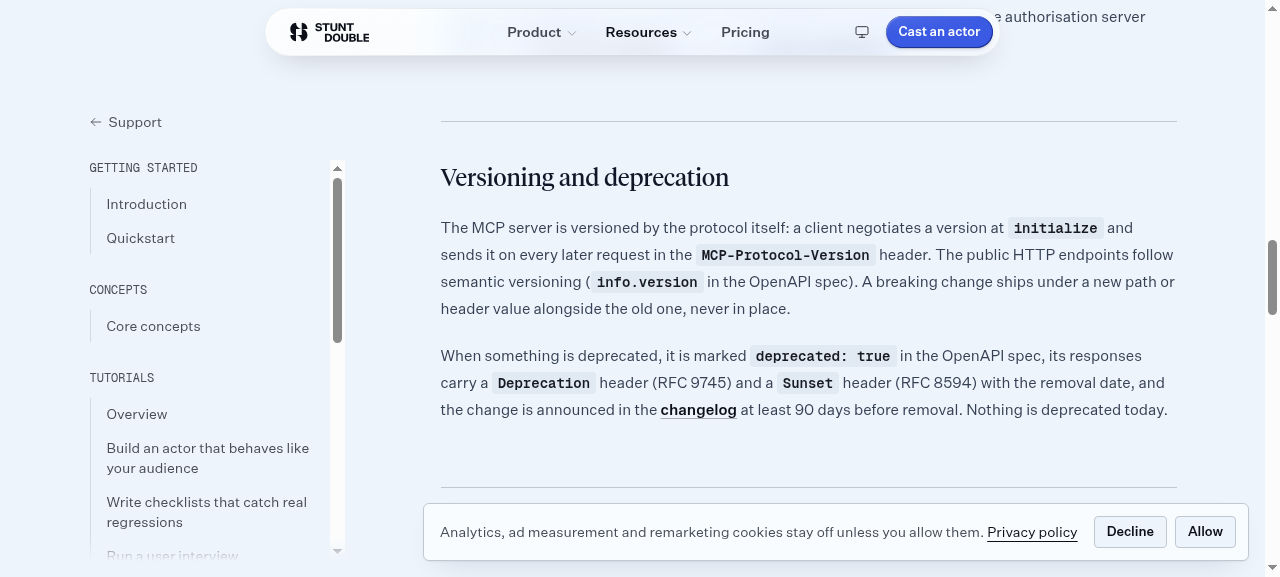
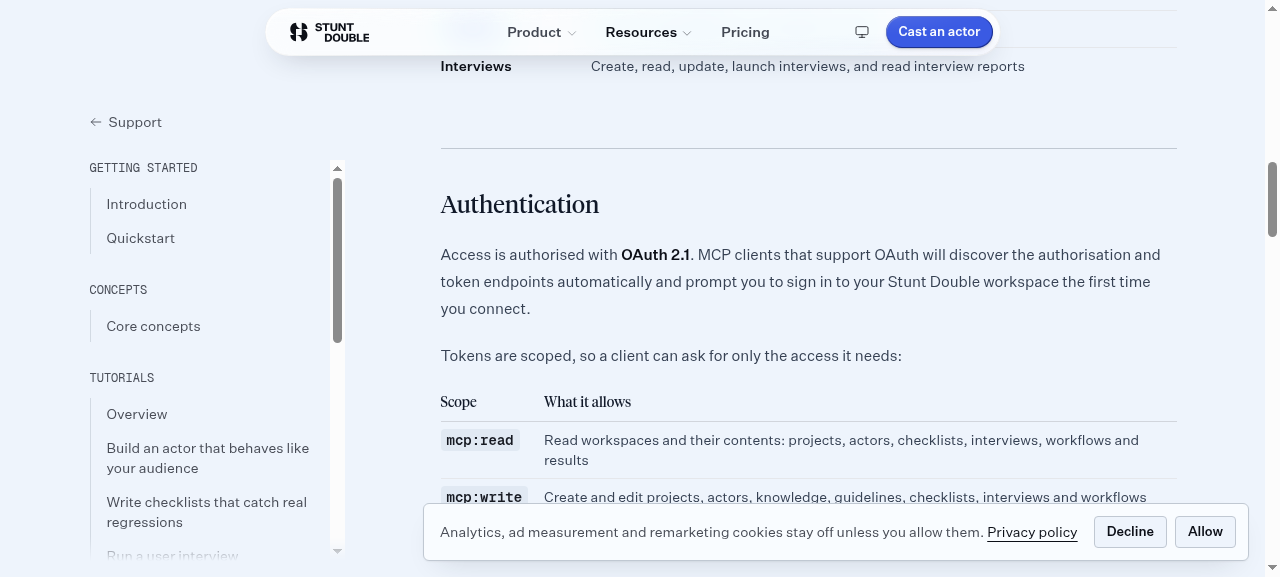
{ "step": { "ts": "2026-09-30T00:28:53.337Z", "kind": "tool_result", "name": "get_page_text", "text": "Support GETTING STARTED Introduction Quickstart CONCEPTS Core concepts TUTORIALS Overview Build an actor that behaves like your audience Write checklists that catch real regressions Run a user interview Automate multi-step workflows Turn runs into insights Collect stakeholder feedback on a prototype Review designs from Slack Test a product behind your firewall Automate Stunt Double from Claude GUIDES Integration guides API API overview MCP server Stunt Double API Stunt Double exposes its platform programmatically through a Model Context Protocol (MCP) server. MCP is an open standard for connecting AI clients to tools and data, which means you can drive your workspace from Claude, from your own agents, or from any MCP-compatible client, without writing a bespoke integration. The MCP server The server is hosted by the product app at: https://app.stuntdouble.io/api/mcp It speaks the Streamable HTTP transport. Point any MCP client at that URL to list and call the available tools. For a full walkthrough, including client configuration, see the MCP server page. What you can manage The server groups its tools by the resource they act on: Resource What you can do Workspaces List workspaces and members, read workspace details Actors List, read, create, and update actors Knowledge List, add, and remove an actor's knowledge Conversations List and read conversations Checklists List, read, run checklists, and read checklist runs Workflows List, read, run workflows, and read workflow runs Feedback List and read feedback, and update its status Interviews Create, read, update, launch interviews, and read interview reports Authentication Access is authorised with OAuth 2.1. MCP clients that support OAuth will discover the authorisation and token endpoints automatically and prompt you to sign in to your Stunt Double workspace the first time you connect. Tokens are scoped, so a client can ask for only the access it needs: Scope What it allows mcp:read Read workspaces and their contents: projects, actors, checklists, interviews, workflows and results mcp:write Create and edit projects, actors, knowledge, guidelines, checklists, interviews and workflows mcp:run Start checklist runs, workflow runs and interviews, which use the workspace run allowance A client that requests no scope is granted all three. A token only lists the tools its scopes cover, and every tool also checks that you are a member of the workspace it was asked about. The authorisation server publishes its RFC 8414 metadata, including scopes_supported. Versioning and deprecation The MCP server is versioned by the protocol itself: a client negotiates a version at initialize and sends it on every later request in the MCP-Protocol-Version header. The public HTTP endpoints follow semantic versioning (info.version in the OpenAPI spec). A breaking change ships under a new path or header value alongside the old one, never in place. When something is deprecated, it is marked deprecated: true in the OpenAPI spec, its responses carry a Deprecation header (RFC 9745) and a Sunset header (RFC 8594) with the removal date, and the change is announced in the changelog at least 90 days before removal. Nothing is deprecated today. Rate limits Uncached endpoints on www.stuntdouble.io (health, the public docs MCP server, and error responses under /api) allow 120 requests per minute per client, and say so on every response with the IETF RateLimit headers: RateLimit-Policy: \"public-api\";q=120;w=60 RateLimit: \"public-api\";r=119;t=60 r is the requests left and t the seconds until the window resets. Over the limit, the response is a 429 with a Retry-After header and a JSON body whose error.code is rate_limited. Wait that many seconds before retrying. Public docs MCP server Agents that have not signed in can still connect over MCP. A read-only server at https://www.stuntdouble.io/api/docs-mcp needs no authentication and exposes Stunt Double's documentation as resources: llms.txt, the homepage as Markdown, the OpenAPI spec and the MCP manifest. It has no tools; to act on a workspace, connect to the product server above. A POST to https://www.stuntdouble.io/.well-known/mcp reaches the same docs server. Discovery The platform publishes a manifest at https://www.stuntdouble.io/.well-known/mcp.json describing the server, its transport, authentication, and tools. MCP registries and clients use this to discover the integration. The same manifest is served at https://www.stuntdouble.io/.well-known/mcp. Each MCP server also has a server card on the host that serves it: the docs server's at https://www.stuntdouble.io/.well-known/mcp/server-card.json, the product server's at https://app.stuntdouble.io/.well-known/mcp/server-card.json. The AI Catalogue at https://www.stuntdouble.io/.well-known/ai-catalog.json lists both. The OAuth metadata documents are served on this site as well as on app.stuntdouble.io, and name app.stuntdouble.io as the issuer either way. The public HTTP endpoints on this site (discovery files, health, the desktop release feed, and the MCP entry point) are described by the Stunt Double OpenAPI spec at https://www.stuntdouble.io/openapi.json. Agents can also read the site as Markdown: /llms.txt says when to use Stunt Double and how to connect, and the homepage returns Markdown to requests that send Accept: text/markdown." }, "stepIndex": 33 } - 2026-09-30T00:28:58.469425+00:00 · tool_call · done
{
  "step": {
    "ts": "2026-09-30T00:28:58.256Z",
    "kind": "tool_call",
    "name": "done",
    "input": {
      "message": "API docs URL: https://www.stuntdouble.io/support/docs/api\nAuth model: OAuth 2.1 (scoped access tokens)\nSupported scopes/permission levels: mcp:read, mcp:write, mcp:run"
    }
  },
  "stepIndex": 34
}